Skip to content
ilimitado.host

Enjoy 50% off your first month on our hosting, cloud and streaming plans.

Support
Help center Open ticket Network status
ENUSD

WhatsApp

Get help recovering a compromised website

Describe the problem with your website and the access available to investigate it. Discuss cleanup, restoration options and the scope of technical assistance with the support team.
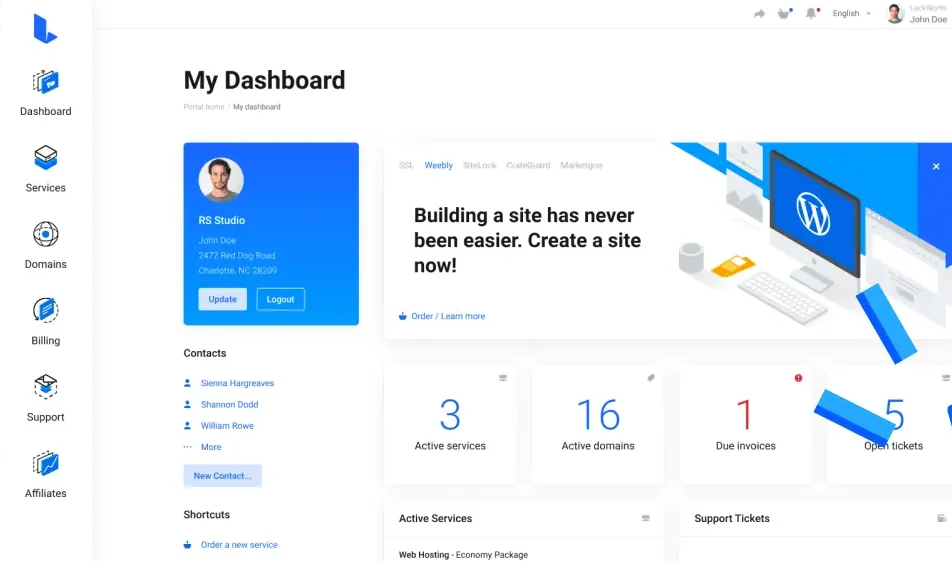
WHMCS interface

Available plans

We can help you choose a service

Ask our team about the options available for your project.

Talk to an adviser

Professional security features for your website

What is SiteLock?

SiteLock™, the global leader in website security, protects your website to give you peace of mind.

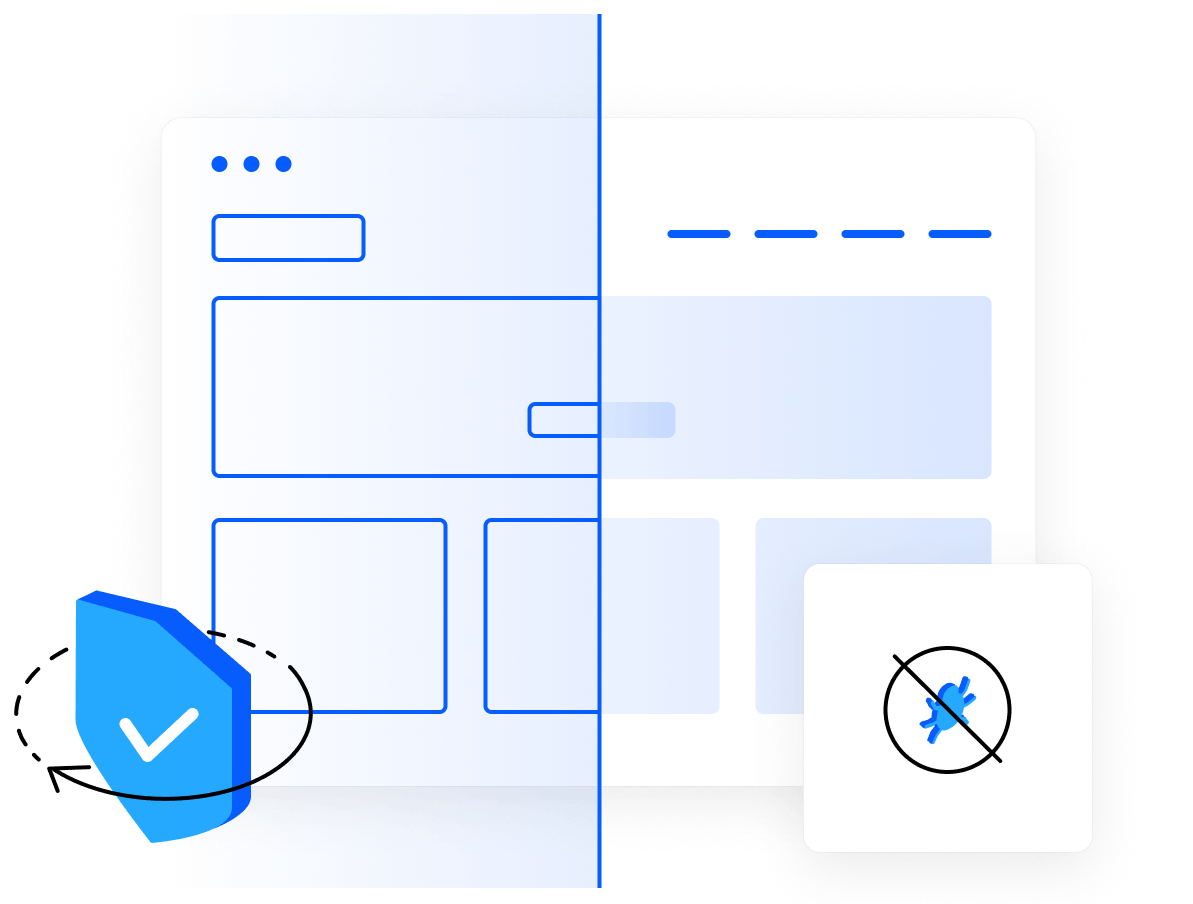
SiteLock's Daily Malware Scanning identifies vulnerabilities and known malicious code and automatically removes it from your website to protect your website and visitors against threats.

Provides comprehensive website security

What does SiteLock do?

It performs website daily scans to identify vulnerabilities or malware. When vulnerabilities or malware are found, you will be alerted immediately. Based on your SiteLock scanner, it will automatically remove any malware on your website. For content management system (CMS) websites, SiteLock can automatically patch found vulnerabilities.

Performs a comprehensive website analysis covering

What types of problems does SiteLock analyze?

Malware analysis and removal

SiteLock scans a website's files daily for malware. If malware is found, the website owner is immediately alerted and it is automatically removed.

Vulnerability scanning

SiteLock scans website applications for common vulnerabilities that could lead to a breach.

Application security and vulnerability patches

SiteLock has the technology to automatically patch vulnerabilities in content management systems (CMS).

SiteLock Features

Malware Scan

Proactively monitors and alerts you to any malware detected on your website.

Automatic malware removal

If a scan finds something, SiteLock will safely and automatically remove any known malware.

Firewall

TrueShield™ Web Application Firewall protects your website from hackers and attacks.

Vulnerability analysis

Automatically checks your applications to ensure they are up to date and protected against known vulnerabilities.

Protect your reputation

Daily scans help detect malware early, before search engines have a chance to find it and blacklist your site.

Quick automated setup

Instant, fully automated setup gives you immediate protection without the need to install anything.

OWASP Protection

Get protection against the top 10 web application security flaws recognized by OWASP, the Open Web Application Security Project.

Content distribution network

Speed ​​up your website by distributing it globally and serving your visitors from the closest location for faster page load speeds wherever they are.

Fix it now with SiteLock Emergency Response

Website hacked?

If your website has been attacked and compromised, get immediate emergency assistance to quickly recover your site.

1 Immediate response

Get our fastest response time with analysis and work to recover your site started in 30 minutes.

2 Complete malware removal

If our automated technology can't remove malicious content, we'll perform a manual cleanup.

3 Priority treatment

With the emergency package, you'll quickly get to the front of the queue.

4 Seven day aftercare

We'll continue to monitor your site for 7 days to ensure that your site remains malware-free post recovery.

5 Real-time updates

Track progress with our real-time updates throughout your site's cleanup and recovery process.

6 One-time payment

Emergency service is available for a one-time fee; there are no recurring fees or subscriptions.

Let’s get started

Choose the hosting provider who makes it easy and fast to create websites. Completely risk free with our 30-day money back guarantee.

Questions about reviewing your website

What information should I send to request a review?

Specify the URL, platform, and symptoms you observe, along with approximate dates. Describe recent changes and which parts of the site or access are affected.

How is the scope of the intervention defined?

Specify what needs reviewing and which actions are proposed for the site. Review deliverables, checks, and responsibilities before agreeing on the work.

Which details of my installation should I prepare?

List the platform, its versions, extensions, and relevant components. Identify the hosting provider and who manages the domain and access to guide the review.

Should I report the backups I already have?

Specify which backups exist and what information you need to retain. These details help review recovery options and the checks your project requires.