Looking for hosting with DirectAdmin? Compare the published hosting resources and confirm the control panel and licence available for your chosen plan before ordering.
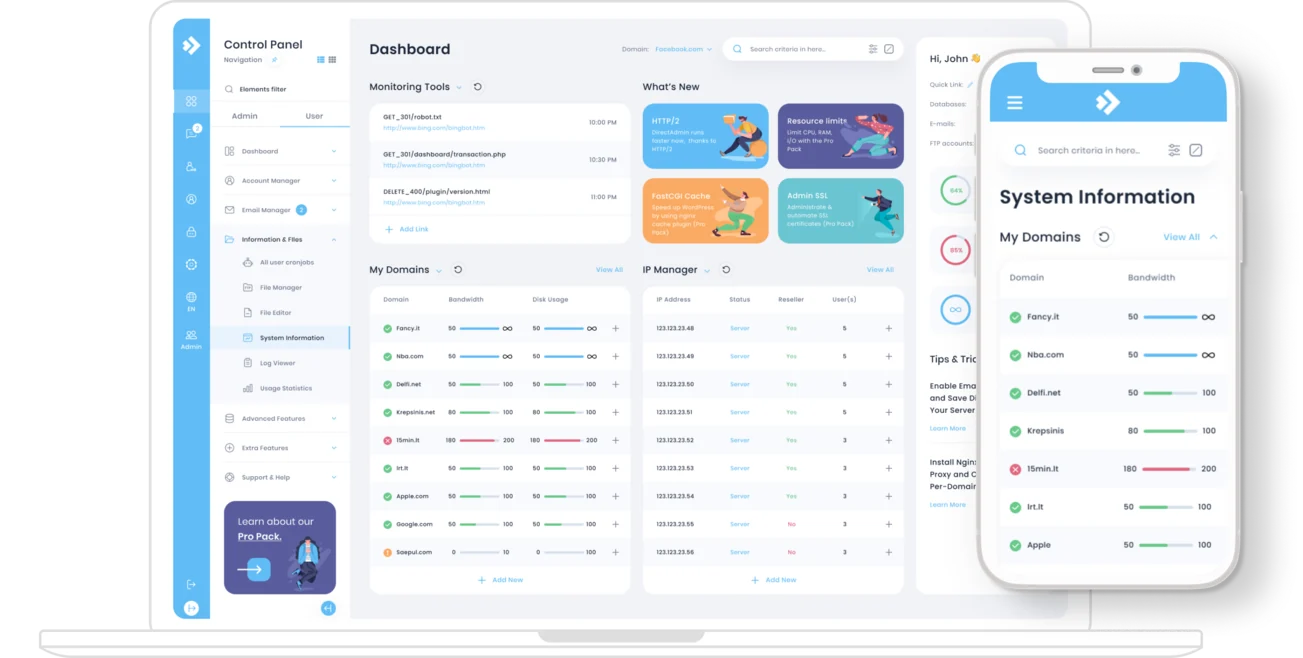
Share the number of sites or client accounts, the resources you need and the DirectAdmin functions you want to use. The team can help you identify a suitable configuration.
Compare the right type of service
The Cloud with DirectAdmin page shows an alternative with server access. Compare it with the hosting or reseller setup you need and discuss the scope before ordering.
Questions about DirectAdmin hosting
What details should I prepare to ask about a DirectAdmin option?
Specify the sites, applications, space used, and tasks you want to manage. If you host customer projects, add the accounts and access each one needs.
What is the difference between hosting and Cloud with root access?
The page lets you explore hosting with DirectAdmin and compare the Cloud alternative. Review resources and define whether you need system administration access in addition to panel tasks.
How do I describe the sites I want to host?
Prepare an inventory per project with its files, databases, email, and access requirements. This information helps define the configuration and administration responsibilities.
Can I assume features are available based only on the panel's name?
Compare the features you need with the specific option proposed. Panel, licenses, resources, and administration tasks should be reviewed as parts of the configuration.
How do I compare plan resources?
Count the websites and applications you will host and review their CPU, memory and storage usage. Compare these requirements with the resources and limits published in each product listing.
Can I keep a domain I already own?
Prepare the domain and its current DNS records before connecting the selected hosting service. Also identify external services that depend on those records so their configuration can be preserved.
How do I prepare to move my website?
Inventory files, databases, applications, mailboxes and DNS. Prepare a backup and define the scope and tests for the move before changing the environment your users rely on.
What should I check about backups?
Review the backup and recovery scope and terms for the selected product. Define what information you need to recover and check the process; also keep any backups you decide to maintain yourself.
Who updates and maintains my application?
Separate hosting tasks from those involving your application, its extensions and content. Define who will handle each part and what support scope your project needs.
What should I check if my website sends email?
Identify the mailboxes, email provider and application notifications. Review the DNS records and test forms and messages before considering an installation or migration complete.
Are tools and licenses included?
Compare the tools in the product listing with your project requirements. Review separately any license, integration or additional work that is outside the product scope.
How do I calculate the order amount?
Review the plan, currency, billing cycle and selected extras. Compare the promotion with the published renewal terms before confirming your purchase.